Financial screenshots
A bank balance, receipt, or bill can carry details you may not want sitting in your camera roll.
PRIVACY, MADE PRACTICAL
Obscura automatically moves selected private moments and sensitive data from your camera roll into a secure vault you control.
$2/month subscription · Free with ads
EVERYDAY PRIVACY
A bank balance, receipt, or bill can carry details you may not want sitting in your camera roll.
Keep images with health-related information easy to review and protect.
Choose to protect personal relationship photos and intimate moments with a partner or spouse in your secure vault.
BUILT FOR A MORE PRIVATE CAMERA ROLL
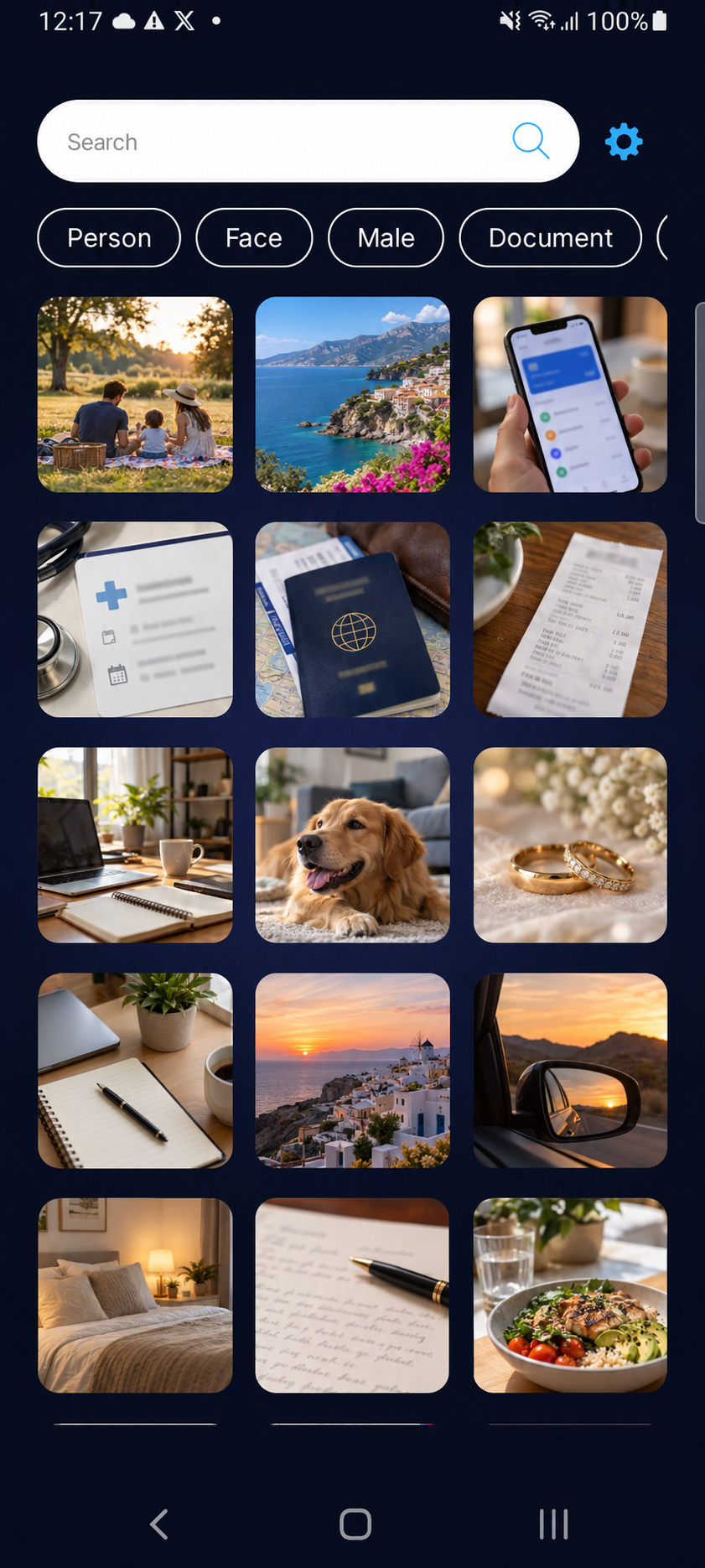
Obscura works offline to monitor the default camera roll for selected private moments and sensitive financial or medical data, then moves matching photos into the secure vault automatically.
You can choose to protect private relationship and intimate moments, including personal photos with a partner or spouse, in the secure vault.
Available on Google Play only.
Built around finding images that may contain financial or medical information.
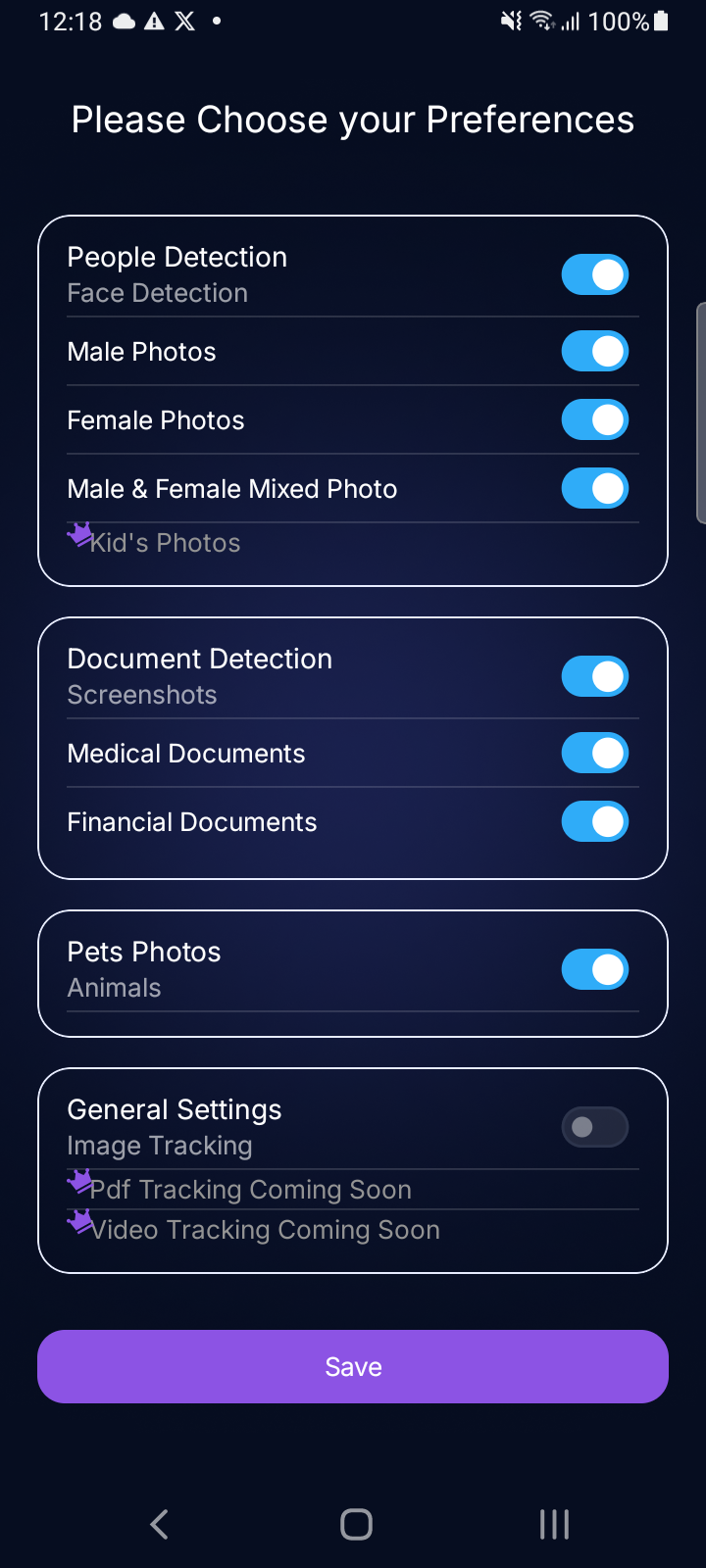
Choose categories for financial, medical, personal, and intimate moments—then keep control over what gets reviewed.
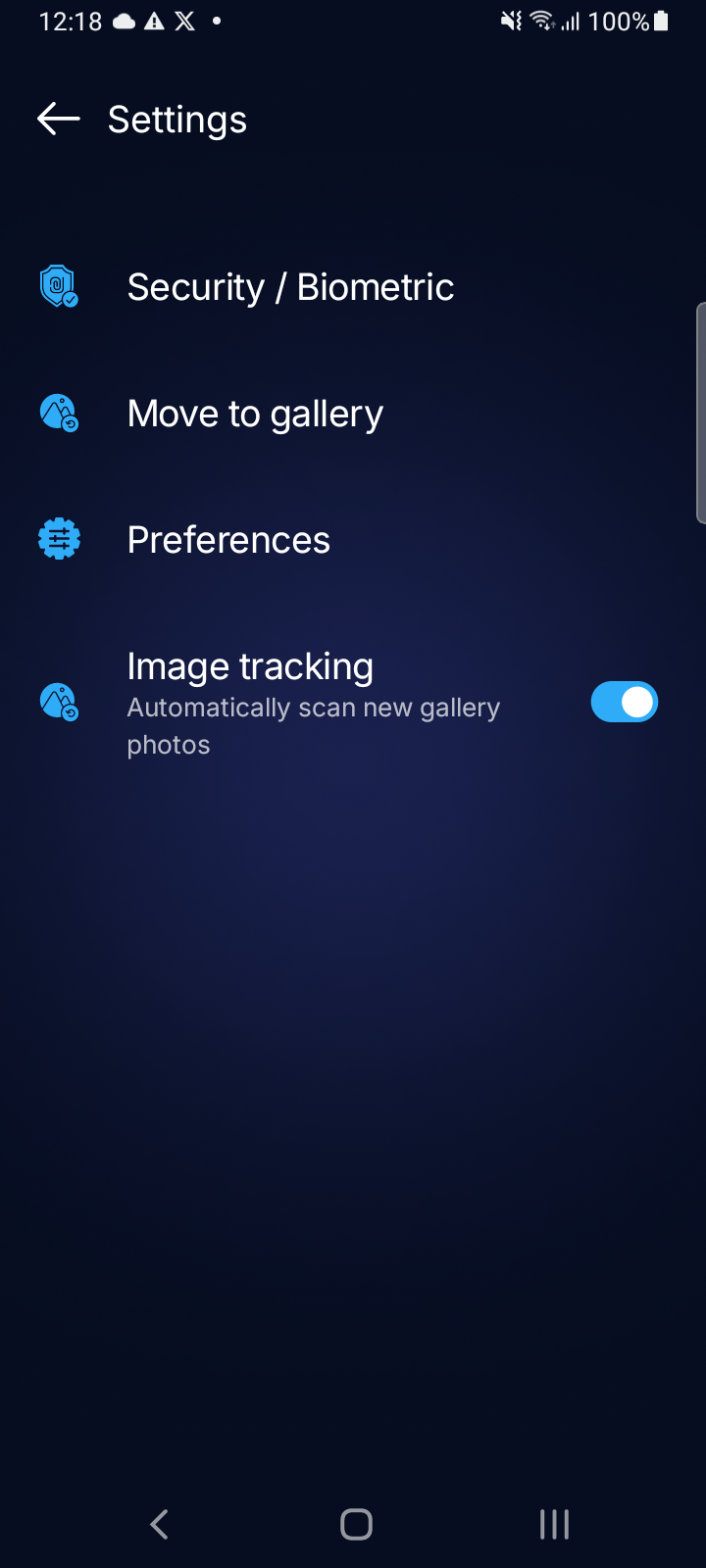
Review selections and organize the content you choose to keep in your vault.
HOW IT WORKS
PROCESSING DETAILS
Obscura’s public site will only make claims about where analysis happens, storage, backups, and recovery after those behaviors are verified in the shipped app.
Read the privacy draft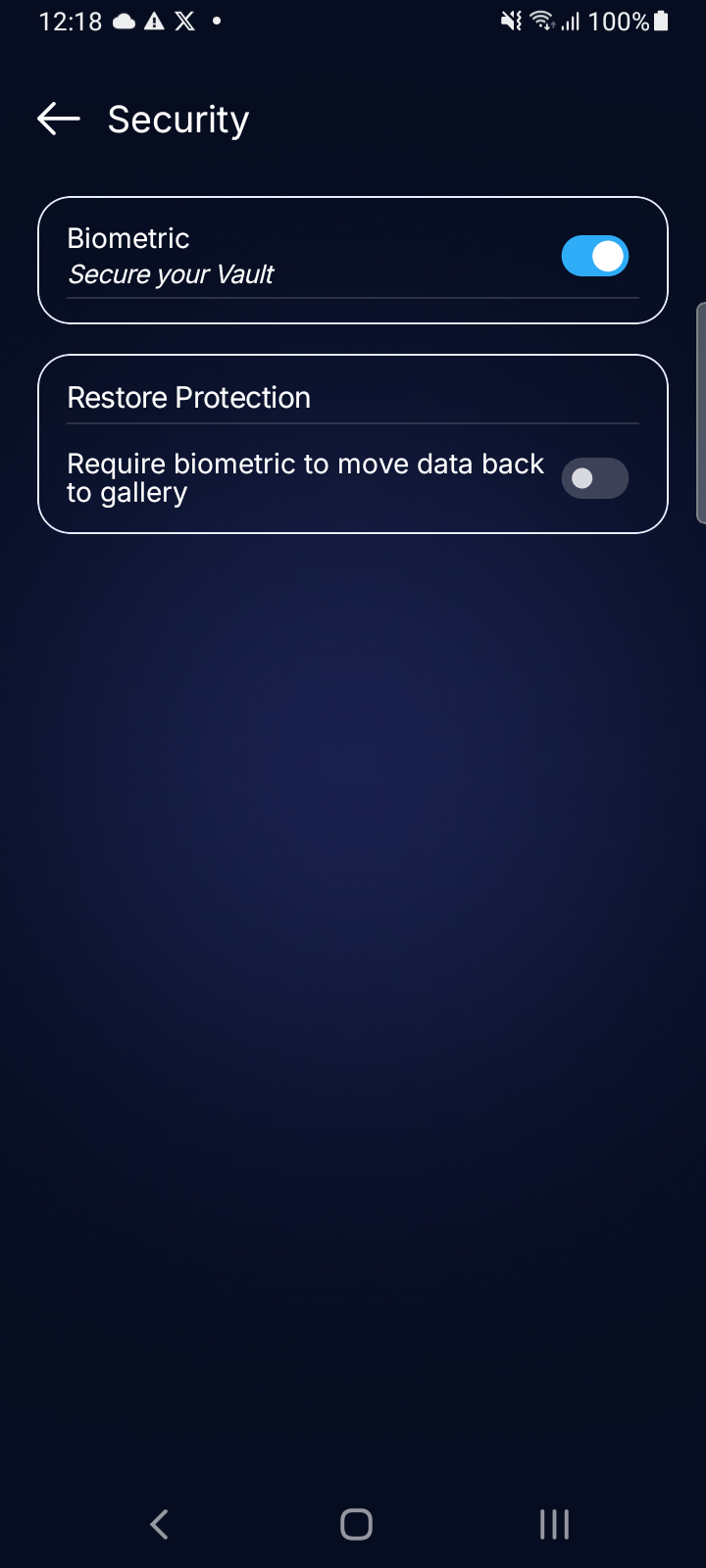
A CLOSER LOOK
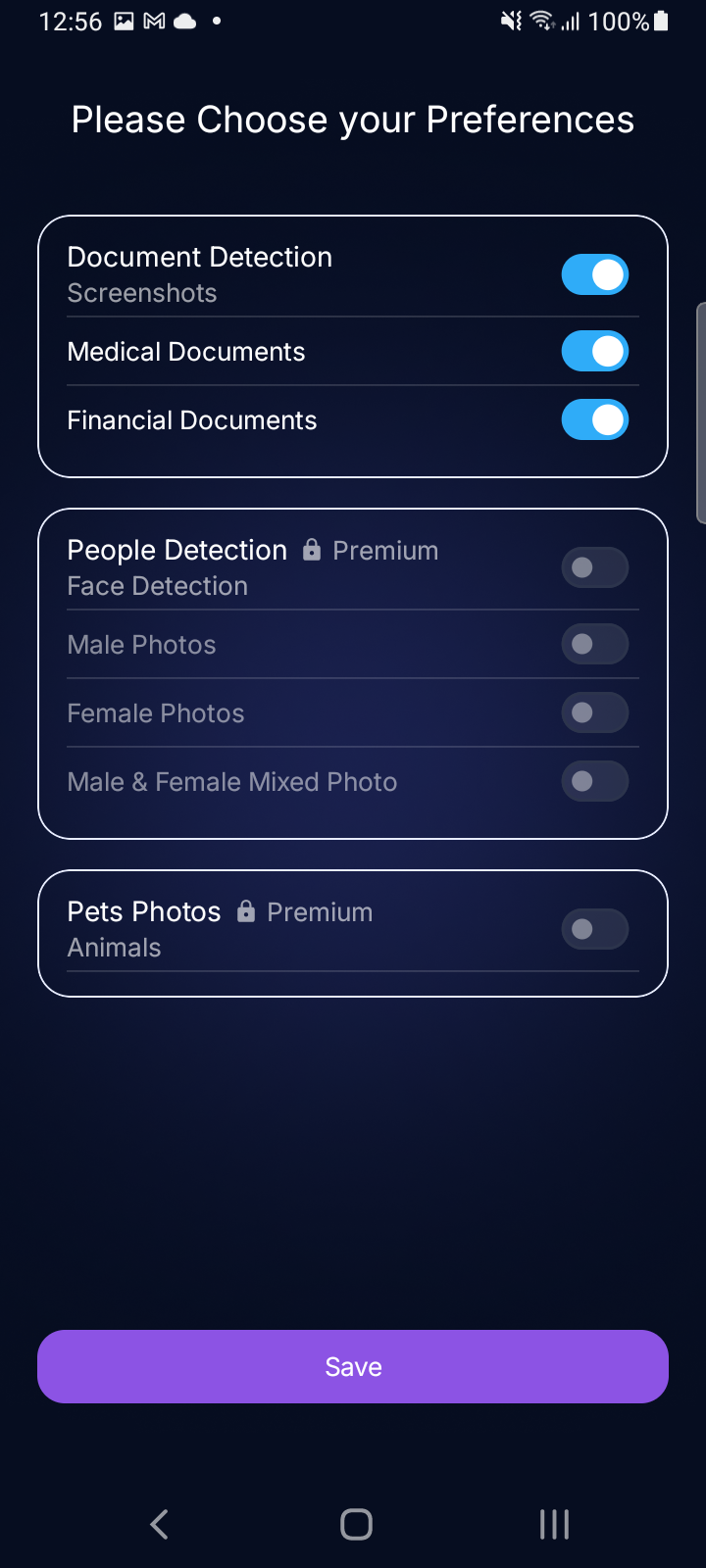
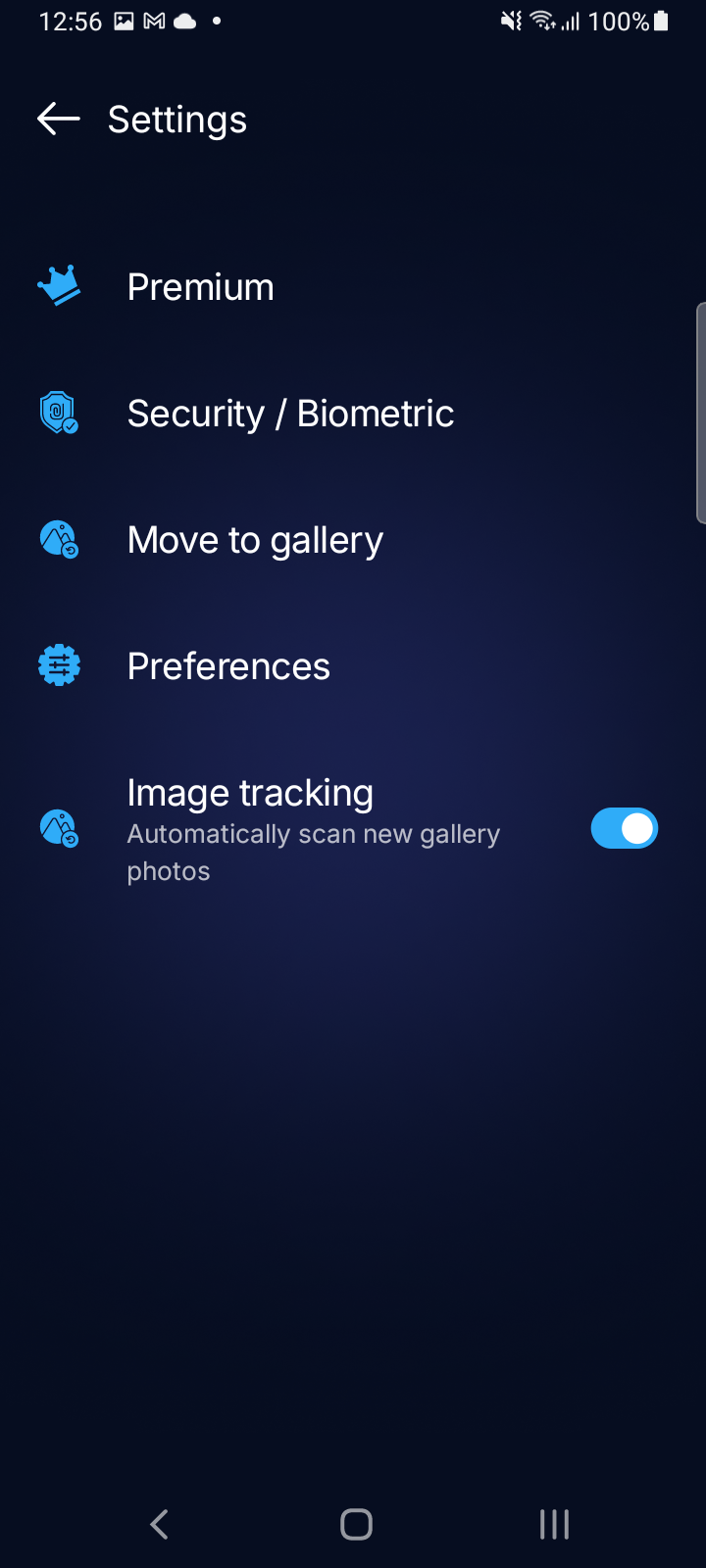
 OBSCURAPRIVATE BY DESIGN
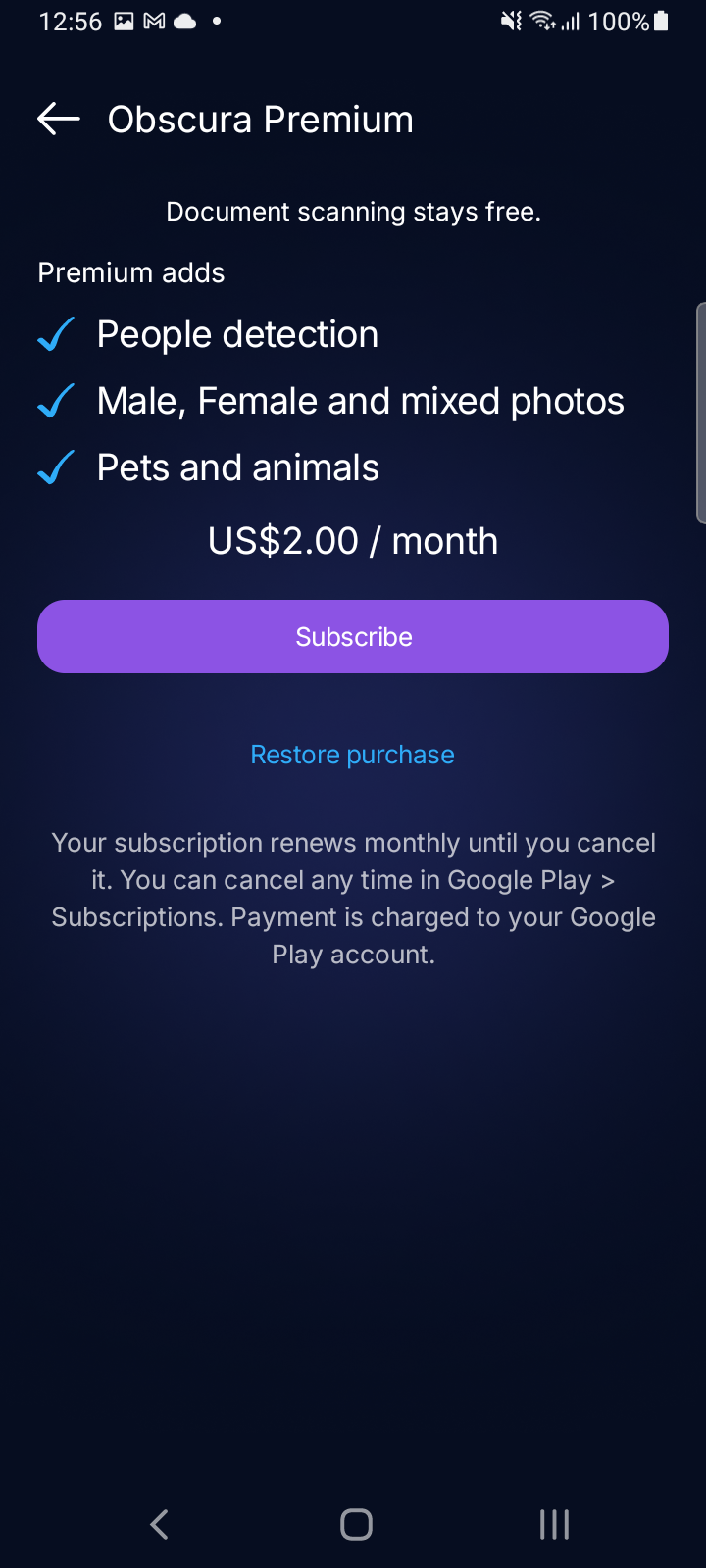
OBSCURA PREMIUM
Document scanning stays free. Premium adds people detection, male, female and mixed-photo preferences, plus pet and animal detection.
US$2.00 / month · Manage or cancel through Google Play.
Get it on Google PlayTHE PRIVACY JOURNAL
Thirty practical notes on private photos, personal data, and building habits that put you in control.
Why a camera roll is not always the right final place for your most personal images.
Read articleA practical checklist for keeping account details, receipts, and payment confirmations out of sight.
Read articleSimple habits for handling photos of prescriptions, lab results, and appointment details.
Read articleThe small privacy routine that happens without needing to remember every photo.
Read articleHow a vault adds a deliberate layer between your private content and an unlocked phone.
Read articleBuild a photo library that feels organized without losing access to important moments.
Read articleThe overlooked screenshots and images that can reveal more than you intended.
Read articleUse categories and review controls to shape a vault around your own comfort level.
Read articleA grounded guide to deciding what feels personal, sensitive, or worth protecting.
Read articleWhy intentional organization can make private content easier—not harder—to manage.
Read articleCreate a space for meaningful photos that does not have to be open every time you unlock your phone.
Read articleUnderstand how selected private content can be identified and routed into the vault.
Read articleShape automatic protection around the categories and moments that matter to you.
Read articleWhy searchable image libraries can make sensitive screenshots easier to surface than expected.
Read articleA quick way to think about purchase records, invoices, and payment evidence in your gallery.
Read articleSimple steps to reduce the private content visible when someone else needs to use your device.
Read articleDecide how to handle event photos that are meaningful, personal, or not for everyone to see.
Read articleA low-effort routine for keeping screenshots, documents, and personal photos from piling up.
Read articleA biometric check helps make access to a private vault feel deliberate and personal.
Read articleHow a strong, memorable vault password complements biometric access.
Read articleThink beyond banking apps: confirmation screens, one-time codes, and balances all deserve care.
Read articleWhat a photo of a desk, package, screen, or whiteboard can unintentionally reveal.
Read articlePrivacy should not mean disorganization—make important materials easier to find when needed.
Read articleWhy reviewing suggested items gives you control over what belongs in your vault.
Read articleA closer look at the idea of automatic movement for selected content.
Read articleKeep boarding details, itineraries, identification images, and travel confirmations more intentional.
Read articleSet a boundary around the memories you want to keep present but not perpetually exposed.
Read articleA vault can help reduce casual exposure without changing the way you use your phone.
Read articleSmall controls add up to a camera roll and vault that work around your own comfort level.
Read articleA secure vault turns a small everyday choice into a more consistent way to care for private content.
Read articleFAQ
TODO: Confirm the precise Android permissions requested and when they are requested.
Obscura is designed to help protect selected private moments, financial screenshots, medical information, and personal relationship or intimate moments. PDF and document support beyond the current release must be confirmed before launch.
Obscura operates offline. It does not collect your personal photos or content for its own use. The free tier displays Google AdMob ads, which may process information under Google’s policies.
TODO: Confirm vault storage, encryption, backup, and restore behavior before publishing this answer.
TODO: Confirm the account, biometric, recovery, and device-transfer experience before publishing this answer.
YOUR PRIVACY, YOUR CALL